Basics
Prompt
- Write a prompt
- Paste from clipboard
The canvas is a set of nodes with inputs and outputs. Wire them in the order your story needs, bring your own material in at any point, and finish the cut on the same board.
The real actions and model chips on the board. Search a node, an action or a model.
Torax Writer 2 · Claude Sonnet 4 · GPT-4.1 · Gemini 2.5 Pro
“Paste the story, a logline or a synopsis…”
Torax Writer 2 · Claude Sonnet 4 · GPT-4.1
“Notes for the split (optional) — “end every episode on the phone ringing””
Flux 1.1 Pro · Nano Banana · Seedream 4 · GPT Image 1
“Name, then the look — “Layla, 34, tired eyes, dispatcher’s headset, never takes off the wool coat””
“Drop files on the frame, or browse”
Pexels · Artgrid · Storyblocks
“Search stock — rain, neon, desert…”
Flux 1.1 Pro · Nano Banana · Seedream 4 · GPT Image 1 · Imagen 4
“Describe the still — “night dispatch room, sodium light through rain, slow push-in””
Magnific Precision · Topaz Gigapixel · Real-ESRGAN
“Wire a still in, pick a factor”
Kling 2.1 · Veo 3 · Seedance 1.0 Pro · Hailuo 02 · Wan 2.2
“Camera and motion — “slow push-in, rain on glass, the lamp flickers””
Torax Scene 3D · Hunyuan3D 2 · Trellis
“Block the scene — “dispatch room, Layla at the desk, the camera circles her slowly””
ElevenLabs v3 · Torax Arabic TTS · Fish Audio · Cartesia Sonic
“What should the voice say?”
OmniHuman · Hedra Character 3 · LatentSync
“Performance notes (optional) — “holds eye contact, small nod on the last line””
Torax Cut · FFmpeg
“Cut notes (optional) — “hard cuts, one-second crossfade into the last shot””
No node matches that.
Get to a screenplay from a story premise, from a character, or by writing it in the node. Split it on plot beats and every episode lands on the board as its own script node. Describe a character once and the sheet — one face, sixteen crops — feeds every visual node downstream.
Nothing on the board has to be generated. Drop footage or stills onto a frame — or onto bare board — and they become nodes wired wherever you need them. Search stock footage and stills from the same place.
Text to image, image to image, or your own upload — with the count, model, aspect and 2K pills on the card. Upscale 2× or 4× before a still goes to video, and drag the before/after line to check it.
Turn a first frame into a shot, or lock a first and a last frame to decide where a shot starts and ends. Block the scene in 3D first and capture multiple angles from one setup, so coverage is a decision, not an accident.
Cast a voice and have it read the scene, then drive a shot from the audio with performance notes — “holds eye contact, small nod on the last line”. Arabic voices are one chip away.
Send any finished shot to a reviewer; it comes back approved or with a change note, and the badge sits on the card. Video compose assembles the approved shots — a shot bin, drag to reorder, play the strip, export — without leaving the project.
Workflow is the graph; Storyboard is the same board read as an ordered shot list. Switch without moving the viewport.
Text flows into the story nodes, picture into everything visual. Drag a wire onto a node’s body and it lands on the right port.
One ⌘Z returns a whole drag or a whole edit. Versions in the top bar restore the board as it stood earlier.
Each generative node carries a model chip, so the board already reads like a real pipeline.
Build the sheet from a description or a reference still; every image and video node downstream reads the same face.
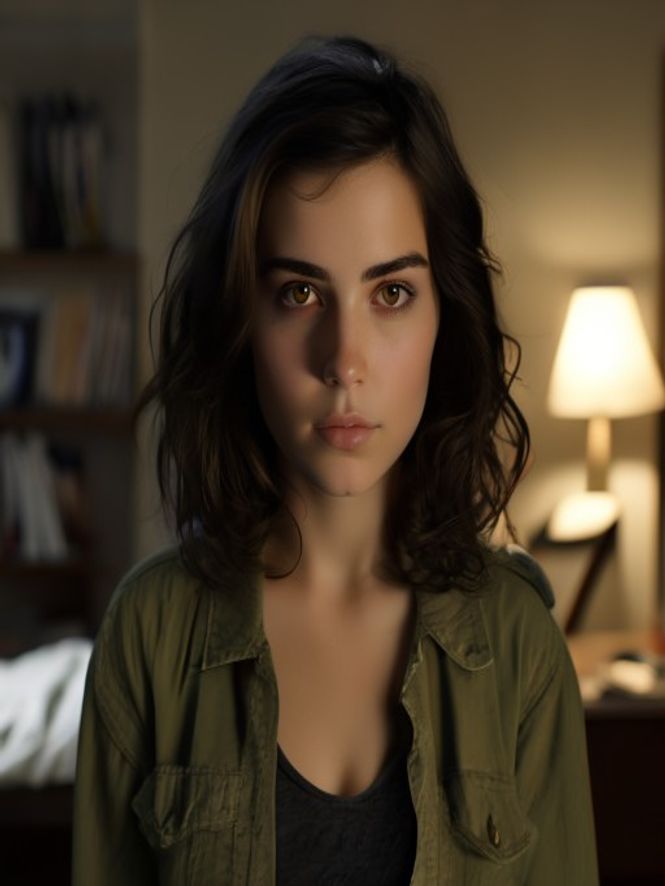
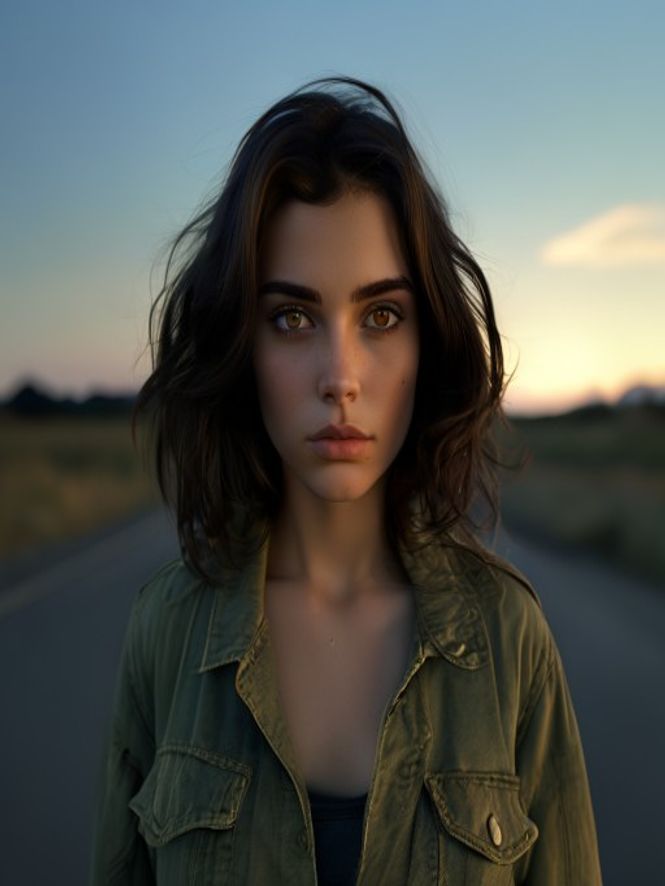
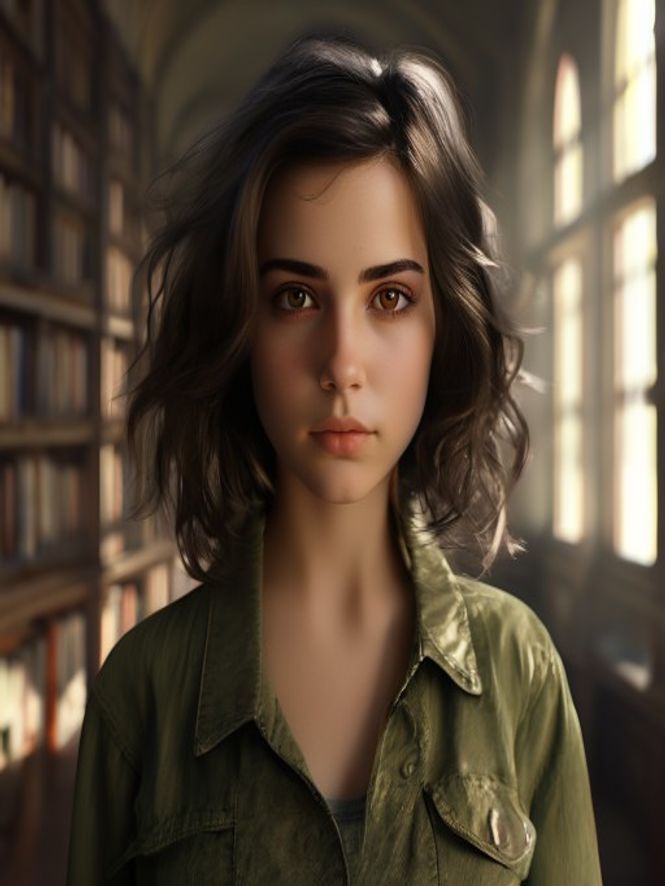
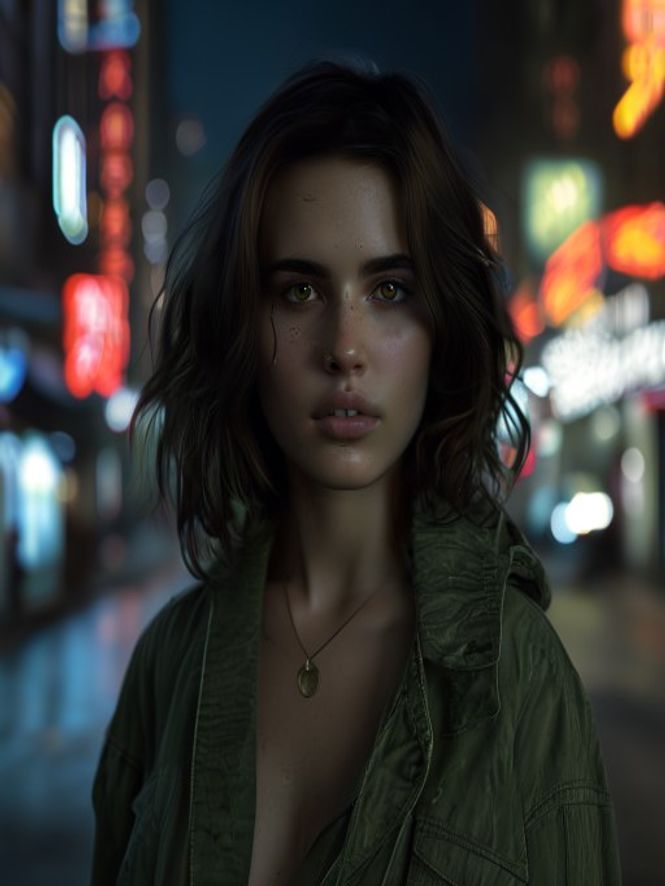
Drop one script node and build outward until it’s a series.